

 Send Inquiry


 Product Video
Systweak Pro Perpetual PDF Editor
3835.0 INR/Number
Product Details:
- Security Features Password Protection, Document Encryption, Digital Signatures
- Capacity (Person) Single User License
- Compatible System Compatible with all major Windows versions
- Language Support Multi-language Support including English
- Interface Type Graphical User Interface
- Usage Personal and Professional Document Management
- Type Desktop Software
- Click to View more
X
Systweak Pro Perpetual PDF Editor Price And Quantity
- 3835.0 INR/Number
- 1 Number
- Yes (Optical Character Recognition for scanned PDFs)
- Pro
- PDF, DOC, DOCX, XLS, XLSX, PPT, PPTX, Images (JPG, PNG, TIFF, BMP)
- Offline Installer Provided
- PDF, Word, Excel, Image Formats
- Free Updates for Purchased Version
- 2GB RAM, 200MB Hard Disk Space, Windows 7 or later
- Text Editing, Image Insertion, Annotation, Page Management, Form Creation
- Perpetual (One-time Purchase)
- Email and Online Ticket Support
Systweak Pro Perpetual PDF Editor Product Specifications
- PDF Editing, Creation, Annotation, and Conversion
- Password Protection, Document Encryption, Digital Signatures
- Single User License
- Compatible with all major Windows versions
- Multi-language Support including English
- Desktop Software
- Graphical User Interface
- Personal and Professional Document Management
- Yes (Optical Character Recognition for scanned PDFs)
- Pro
- PDF, DOC, DOCX, XLS, XLSX, PPT, PPTX, Images (JPG, PNG, TIFF, BMP)
- Offline Installer Provided
- PDF, Word, Excel, Image Formats
- Free Updates for Purchased Version
- 2GB RAM, 200MB Hard Disk Space, Windows 7 or later
- Text Editing, Image Insertion, Annotation, Page Management, Form Creation
- Perpetual (One-time Purchase)
- Email and Online Ticket Support
Systweak Pro Perpetual PDF Editor Trade Information
- Cash in Advance (CID)
- 100 Number Per Month
- 7 Days
- No
- No Physical Delivery; Online Activation only
- All India
Product Description
PDF Editing Gets Easy
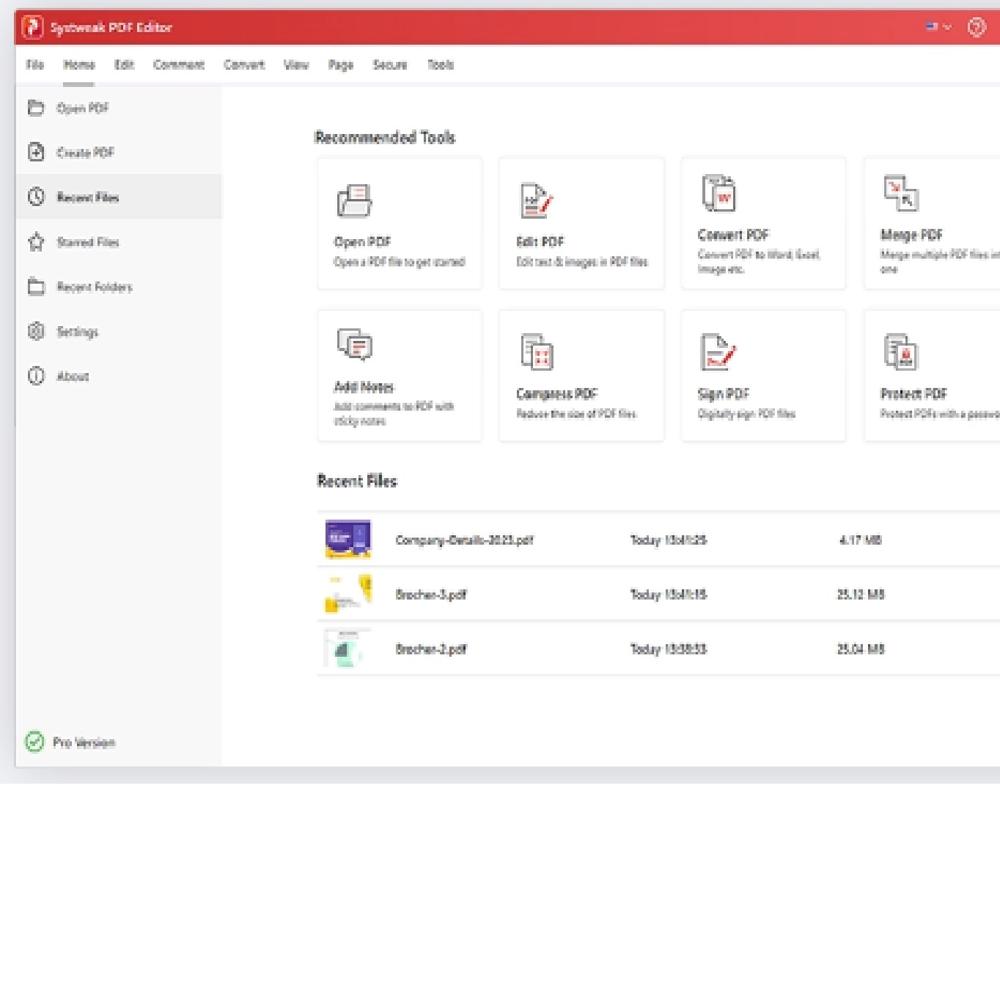
A quick and straightforward solution to edit, convert, sign, protect, compress PDFs, and make scanned PDFs searchable and selectable
-
 Convert PDF files to Excel, Word, PowerPoint, images & vice versa
 -
Edit, merge, split, compress, annotate, extract & stamp your PDFs
-
Sign, encrypt, unlock, rotate, split, bookmark & combine your PDFs
-
Seamless PDF Editing With One Software
Edit PDFs your way with Systweak PDF Editor
-
Convert PDF
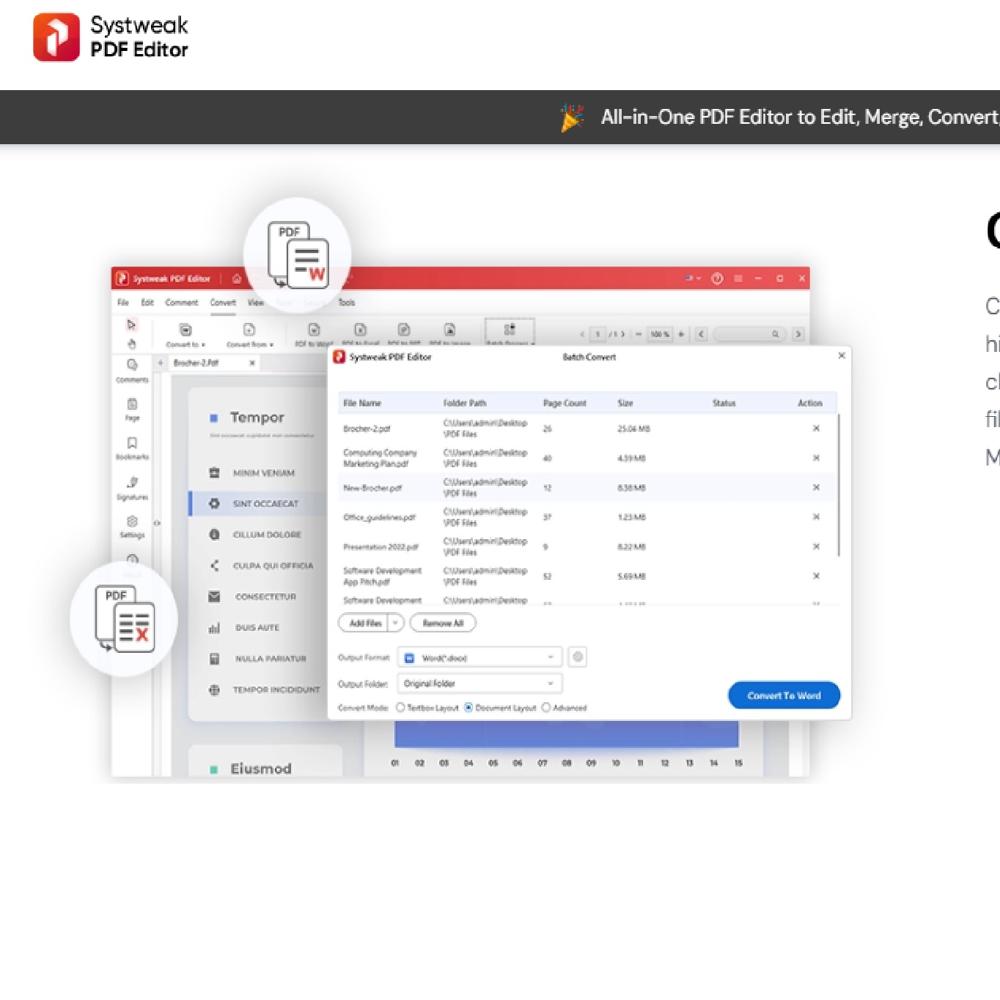
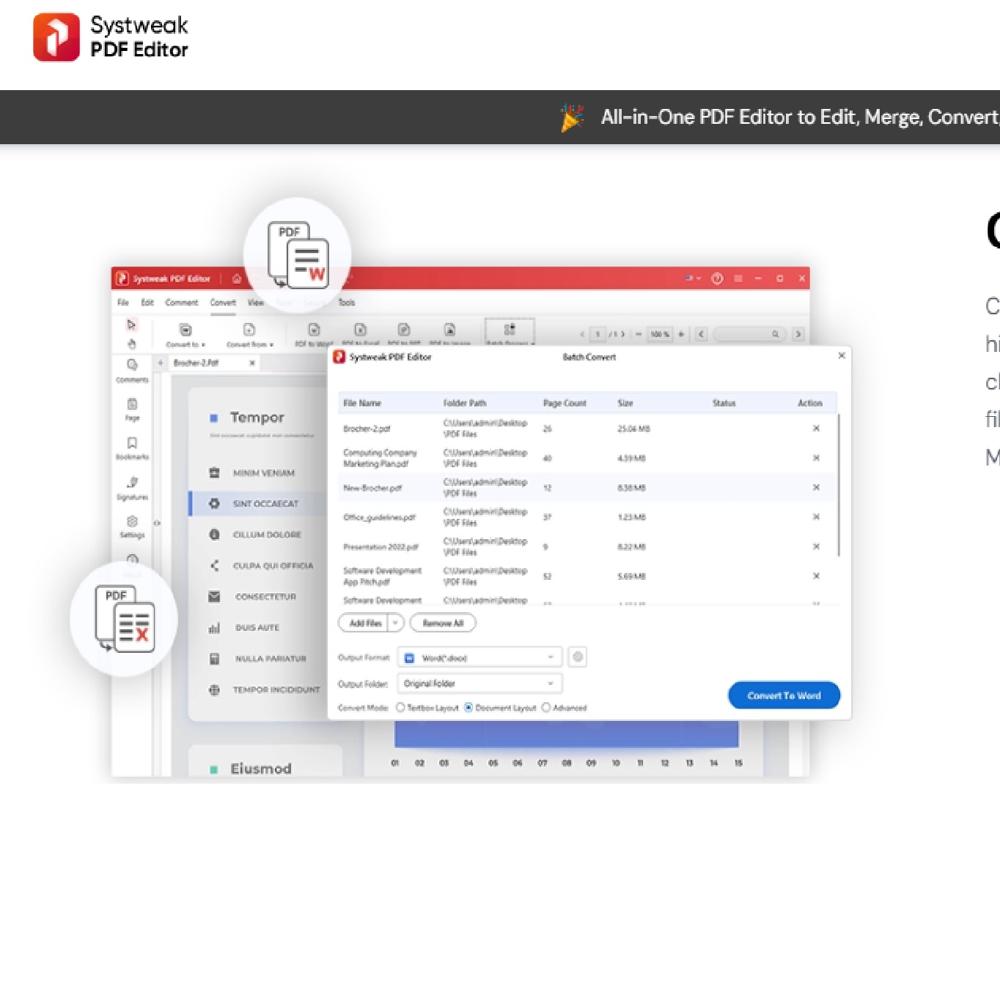
Converting PDF files to text documents, Word, Excel, Powerpoint, high-resolution images, HTML, EPUB, or any other format has been challenging. With the Systweak PDF Editor, swiftly convert your PDF files into various editable formats. Transforming PDFs to and from any MS Office file, image, e-book, webpage, and other formats gets easier.
-
What Else You Can Do With Systweak PDF Editor
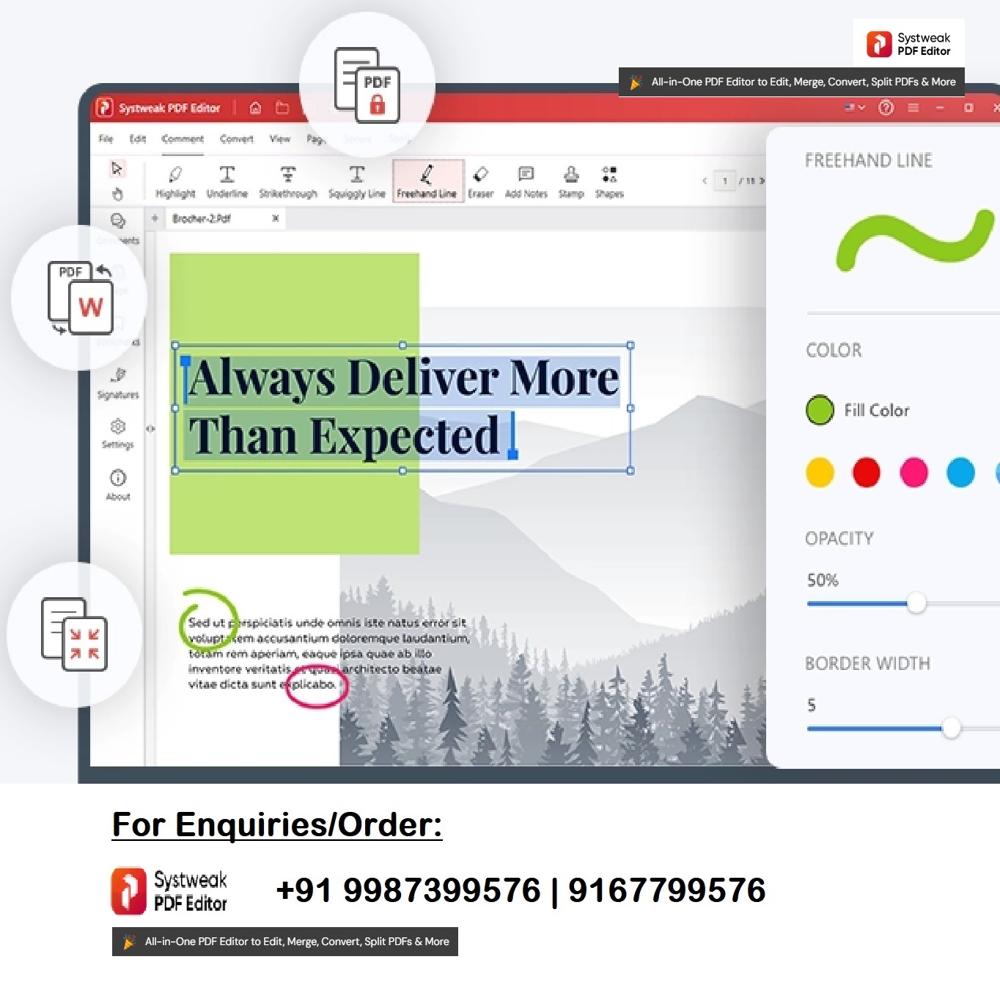
To work & edit PDFs, Systweak PDF editor offers a range of features and tools. Using them, you can mark text for redaction, OCR PDF, sign, split, compress, batch convert, lock, unlock, and make other changes.


Powerful PDF Editing Made Simple
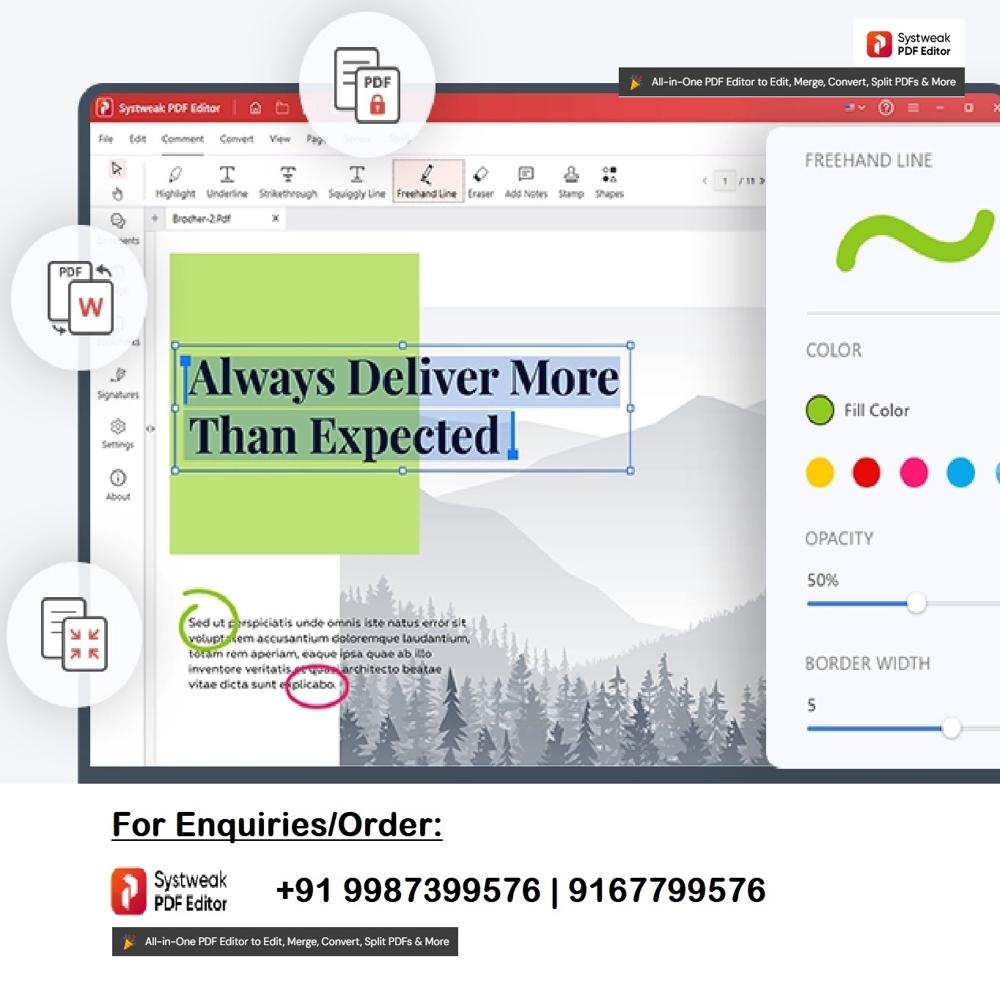
Systweak Pro Perpetual PDF Editor streamlines all your document management needs. Its graphical user interface enables effortless text edits, image insertions, annotations, and page reordering, catering to users of all experience levels. Enjoy advanced features such as OCR for scanned documents and robust form creation, ensuring precise and versatile document handling every time.
Comprehensive Format Support and Secure Workflow
Open, edit, and convert not just PDFs, but also Word, Excel, PowerPoint files, and common image formats. Export creations to PDF, Word, Excel, or image formats, maximizing document portability. Secure sensitive information with password protection, encryption, and digital signatures, all within a user-friendly environment.
Easy Installation and Reliable Support
Install effortlessly using the provided offline installer on any modern Windows computer with at least 2GB RAM and 200MB of storage. Benefit from free updates for your purchased version, and enjoy responsive customer support via email and online ticketing. Manage documents confidently, knowing you have reliable assistance whenever necessary.
FAQ's of Systweak Pro Perpetual PDF Editor:
Q: How do I install Systweak Pro Perpetual PDF Editor on my computer?
A: You can install the software using the provided offline installer after purchasing the license. Simply run the downloaded installer file and follow the on-screen instructions. The editor is compatible with Windows 7 or later, and requires at least 2GB RAM and 200MB of hard disk space.Q: What are the main benefits of the perpetual (one-time purchase) license?
A: With a perpetual license, you pay once and gain lifelong access to the Pro version. This eliminates recurring subscription costs while providing all features and free updates for the purchased version, making it a cost-effective solution for both personal and professional needs.Q: Which file formats can Systweak Pro Perpetual PDF Editor open and export?
A: The software supports opening and editing PDFs, DOC, DOCX, XLS, XLSX, PPT, PPTX, and image files like JPG, PNG, TIFF, and BMP. You can also export your documents to PDF, Word, Excel, and popular image formats for seamless sharing and compatibility.Q: How does the OCR capability benefit my workflow?
A: Optical Character Recognition (OCR) allows you to extract text from scanned PDFs and images, making them searchable and editable. This enhances productivity by enabling quick data retrieval and efficient editing even from paper-based documents.Q: What security features are available to protect my documents?
A: Systweak Pro Perpetual PDF Editor provides multiple security layers, including password protection, document encryption, and digital signatures. These features help you safeguard sensitive content and ensure confidentiality in both personal and professional environments.Q: Where can I get help if I encounter issues with the software?
A: If you need assistance, you can reach out to Systweak's customer support through email or by submitting a ticket online. The support team is available to address installation, usage, and technical queries for all licensed users.Tell us about your requirement

Price:
Quantity
Select Unit
- 50
- 100
- 200
- 250
- 500
- 1000+
Additional detail
Mobile number
Email

Other Products in 'PDF Editor Software ' category


HERTZ INDIA INC
GST : 27AAQPD3658M1Z5

- 111, Raghuleela Mall, Kandivali West,Mumbai - 400067, Maharashtra, India
- Phone : 07971670302
- Mr. Pranav Doshi (Founder & CEO)
- Mobile : 07971670302
- hertzindiainc@gmail.com

 Send Inquiry
 Send SMS
 Call Me Free
HERTZ INDIA INC.
All Rights Reserved.(Terms of Use)
Developed and Managed by Infocom Network Private Limited.
Developed and Managed by Infocom Network Private Limited.

